JasmineCorp Blogs
Updated Blogs
Why Every Small Business Needs Reliable Web Hosting
Computer Support Blog
Essensial Software for Web Based Support
HP Server and Desktop
More .....


JCBid.com online auction Soap-boxes-display-case-of-60-pieces
Soap boxes display case of 60 pieces
JCBid.com online auction Natural-wood-craft-clothespins-display-case-of-60-pieces
Natural wood craft clothespins display c
JCBid.com online auction Pencil-tire-gauge-display-case-of-96-pieces
Pencil tire gauge display case of 96 pie
JCBid.com online auction Nylon-mesh-body-sponge-display-display-case-of-144-pieces
Nylon mesh body sponge display display c
JCBid.com online auction Plastic-craft-wiggly-eyes-display-case-of-84-pieces
Plastic craft wiggly eyes display case o
Blog by JasmineCorp | Create your own Blog

Bookmark and Share RSS Feed | Login           

obd2toolqingblog


welcome my blog
 

The solutions for “not connected to MDI” error


By qing at 2020-03-04 05:01:36

MDI multiple Diagnostic Interface for GM with GDS2 diagnostic system , it supports online programming and wireless communication function and so on , but if you want to do online programming you should have your own account . GM MDI is better than GM Tech2 for the cars after 2009 , if you want to work for old cars , you can choose our GM tech2 .

From now on , there have customers give feedback to us that they met the problem “not connected to MDI “ error , please dont worry , our engineer group have find the solutions as following :

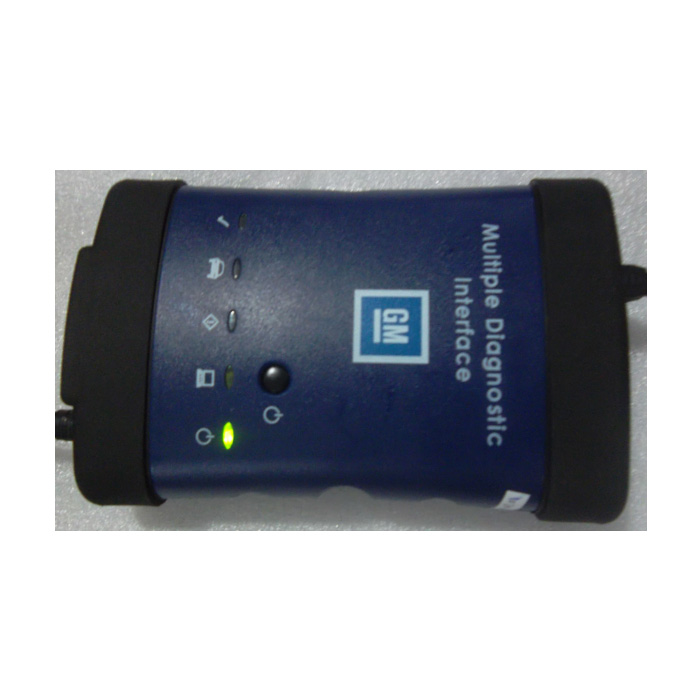
1.Press the button and connect the power

The-solutions-for-not-connected-to-MDI-error-1

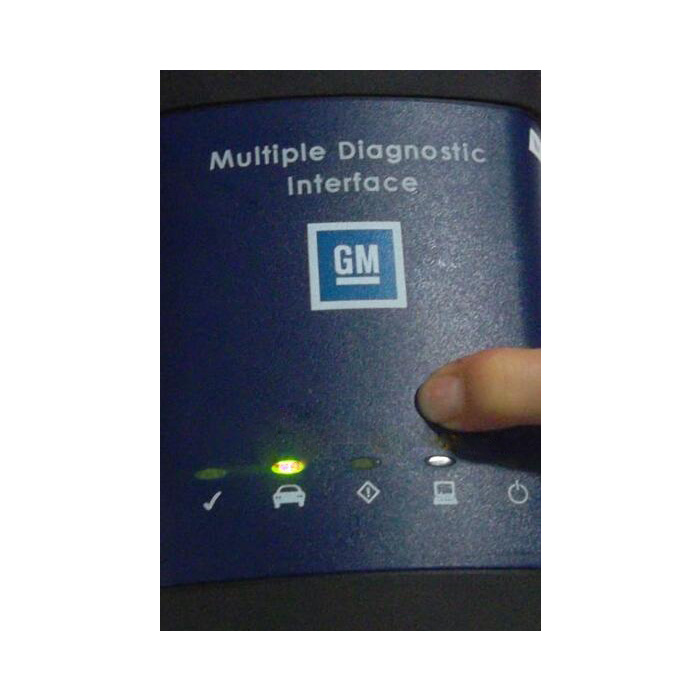
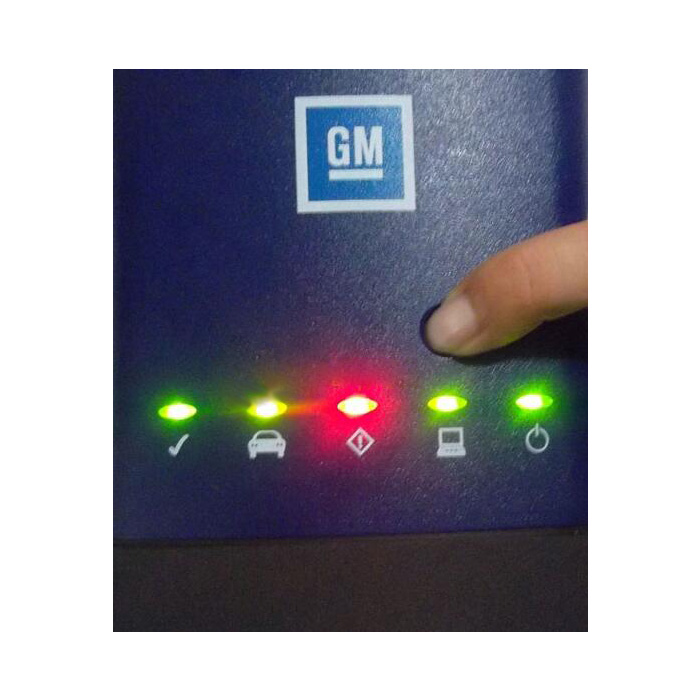
2.Keep press this button and connect it to power , the power light will be on , wait about 10 seconds please .

The-solutions-for-not-connected-to-MDI-error-2

3.When all lights on , then you can release the button , and it will enter firmware refresh status .

The-solutions-for-not-connected-to-MDI-error-3

4.Connect GM MDI with your PC via USB cable , prepare to refresh the firmware .

The-solutions-for-not-connected-to-MDI-error-4

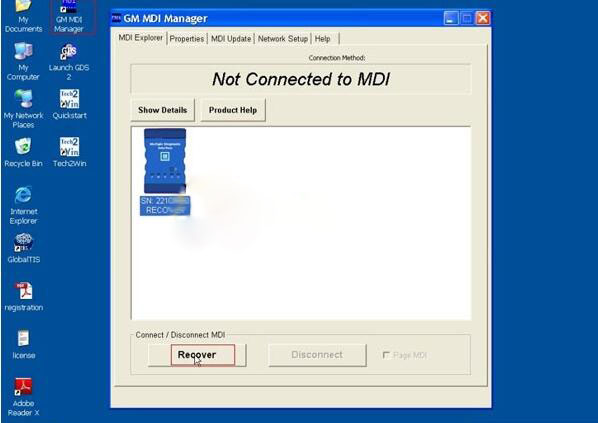
5.Open “GM MDI Manager “, choose “ Recover” .

The-solutions-for-not-connected-to-MDI-error-5
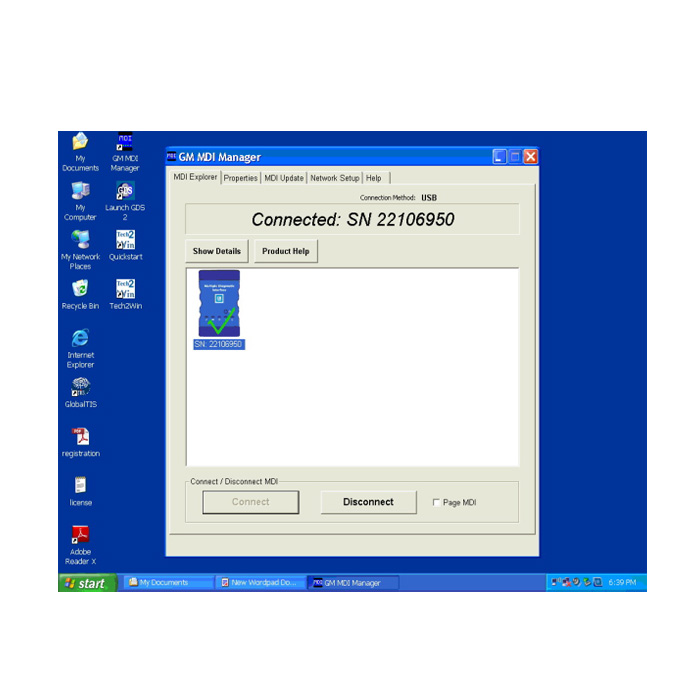
Then will be solve the problem , and try to test your GM Scanner GM MDI again , you will see the photo as bellow
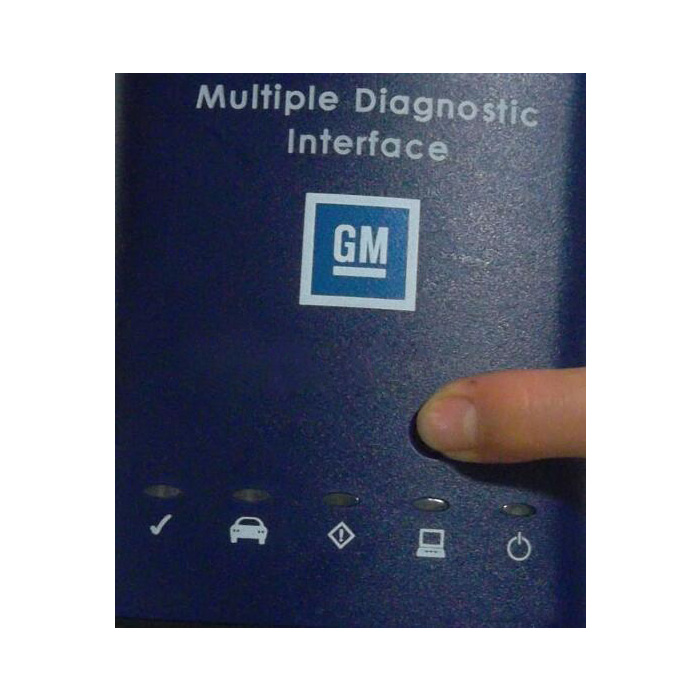
The-solutions-for-not-connected-to-MDI-error-6


Permalink | Comments (0)

Comments


To add a comment please login by clicking here

JC Store | JasmineCorp | JCBid |Software Development | Domain Registration | Hosting | Web Designing | Buy Books | Advertise with JCSearch | Whois | IP Locator | Add Search | Shopping | Store | Free Blogs | Free GuestBook | Free E-Cards | Free Games | Free Tutorials | Set as Home | Add to Favorite | Suggest a Site | Directory Our Portfolio | Terms of service | Free quote | Tell a Friend | Special Offer | Job Opportunities | games | Usenet Groups  


Register a Domain Name:
.com .us .info
.org .in .name
.net .biz .asia